

The Claude Blocked Sites Setting Every Real Estate Agent Should Check
- Jerad Larkin

- 7 hours ago
- 11 min read
How can real estate agents prevent Claude in Chrome and Claude Cowork from accessing sensitive websites?



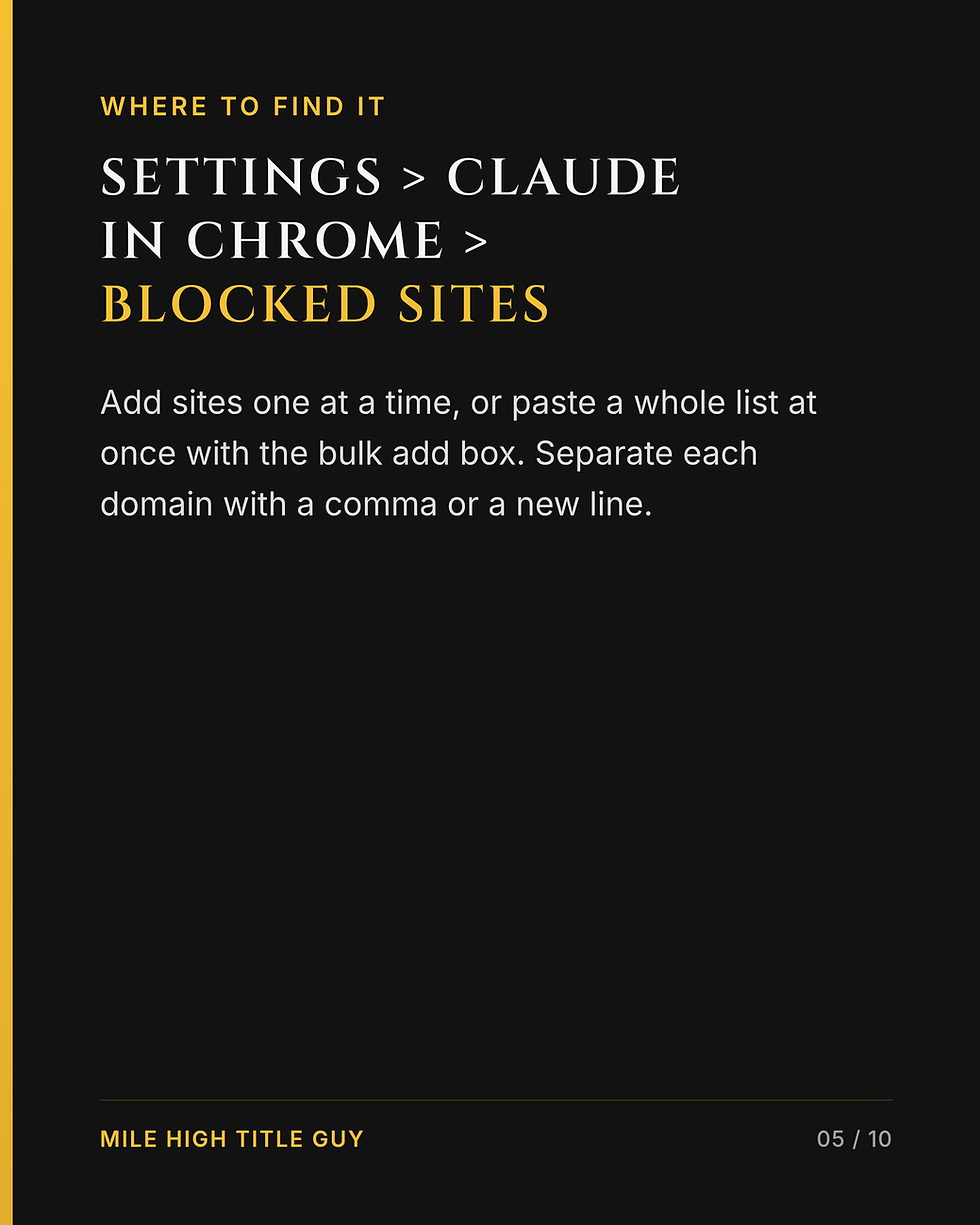




Claude includes a Blocked Sites setting that lets you identify websites the AI should never open or interact with. Adding sensitive domains to this list creates a practical boundary around banking, transaction management, healthcare, tax, password management, and other accounts that contain confidential information.
Artificial intelligence is becoming much more capable.
Tools such as Claude in Chrome and Claude Cowork can help you research information, organize data, complete repetitive tasks, work across websites, and support parts of your real estate business.
That ability is exactly what makes these tools so useful.
It is also why you need to think carefully about where your AI tools should and should not be allowed to go.
If you are a real estate agent, your browser likely gives you access to much more than public websites. It may also connect you to transaction platforms, email accounts, financial institutions, client documents, brokerage systems, healthcare portals, tax information, and password managers.
Even if you never intend to ask an AI tool to interact with one of those accounts, it is worth creating clear boundaries before you start using browser-based AI more regularly.
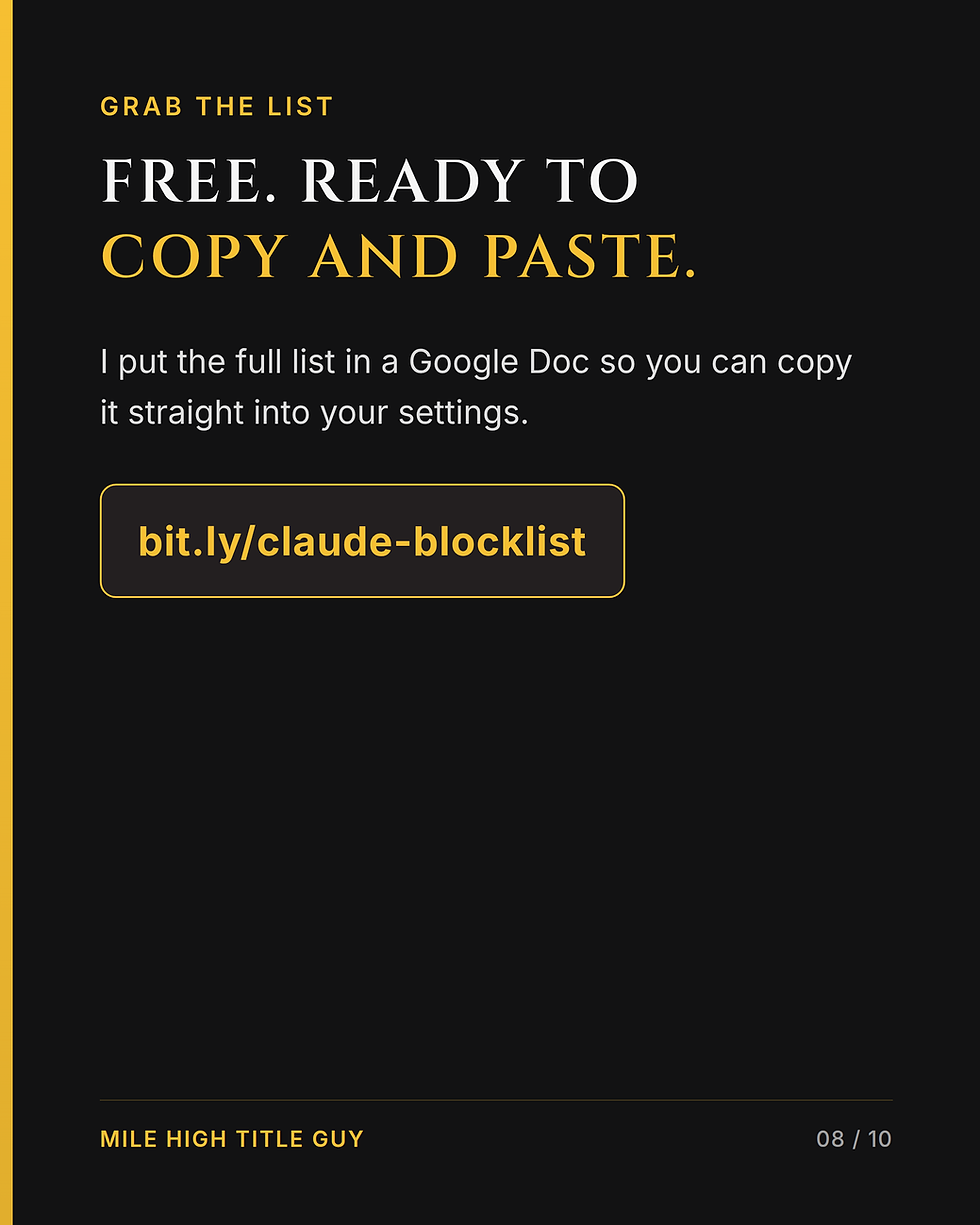
That is why I put together a free, ready-to-paste list of more than 165 websites you may want to add to Claude’s Blocked Sites list.
You can download the list here:
Get the Claude Blocked Sites List
What Are Claude in Chrome and Claude Cowork?
Claude is an artificial intelligence assistant developed by Anthropic. Depending on the version and features you use, Claude can do much more than answer questions inside a traditional chat window.
Claude in Chrome can work with content inside your browser. This can make it useful for tasks involving research, data entry, organization, website navigation, and repetitive online processes.
Claude Cowork can help with larger workflows involving files, connected tools, research, content creation, and repeatable business processes.
For a real estate agent, these capabilities could potentially help with tasks such as:
Researching a neighborhood or local business
Organizing notes from a transaction
Turning market data into a seller-friendly report
Drafting marketing content
Reviewing non-confidential information from multiple sources
Creating follow-up ideas
Organizing information into a spreadsheet
Assisting with repeatable administrative workflows
Comparing publicly available property information
Building a first draft of an email, blog post, or social media caption
The technology can save an incredible amount of time when it is used intentionally.
However, the more access an AI tool has, the more important it becomes to establish limits.
Why Browser-Based AI Requires Clear Boundaries
Most people think about AI as a chatbot.
You type a question, it gives you an answer, and the interaction ends there.
Browser-based AI is different.
Depending on the tool, its permissions, and the task you assign, an AI assistant may be able to navigate pages, click buttons, type into fields, read information displayed in a browser tab, or perform a sequence of actions.
Those capabilities are what make agentic AI so promising. Instead of only explaining how to complete a task, the tool may be able to help perform parts of the task.
But that difference also changes how you should think about setup.
If your browser is already signed in to sensitive accounts, you do not want to rely entirely on remembering which websites are appropriate for AI assistance every time you create a new task.
A better approach is to create boundaries in advance.
The goal is not to avoid AI. The goal is to decide where AI is helpful and where human-only access makes more sense.
What Is Claude’s Blocked Sites List?
Claude’s Blocked Sites list allows you to designate websites that Claude should not open or interact with.
You can add an individual website when you identify one that should be restricted. You may also use the bulk-add option to paste multiple domains into the list.
That bulk option is especially helpful because most real estate professionals use more sensitive platforms than they initially realize.
You may immediately think about your bank, but what about:
Your brokerage intranet
Your transaction management platform
Your password manager
Your accounting software
Your healthcare provider
Your retirement account
Your cryptocurrency account
Your state tax portal
Your document-signing platform
Your title or closing platform
Your client relationship management system
Your commission management platform
Creating a complete list one website at a time can be tedious. It can also make it easy to overlook important categories.
That is why I created a starting list you can review, customize, and paste into Claude.
Why This Matters for Real Estate Agents
Real estate professionals work with an enormous amount of information.
Some of it is public, such as listing descriptions, public market statistics, neighborhood amenities, and property marketing materials.
Other information may be confidential, private, or transaction-specific.
Depending on your role and the systems you use, your browser may contain access to:
Client contact information
Transaction documents
Contracts and amendments
Earnest money information
Wiring instructions
Inspection reports
Loan-related correspondence
Identification documents
Commission information
Internal brokerage resources
Email conversations
Financial account information
Saved passwords
The fact that information is available in your browser does not automatically mean an AI assistant should be able to access it.
Real estate agents already make similar decisions in other parts of their businesses.
You would not give every vendor unrestricted access to your transaction files. You would not share every document with every person involved in a transaction. You would not post private client information publicly just because it was convenient.
AI access should be treated with the same level of intention.
Two Minutes Now Can Prevent Problems Later
Security tasks often get delayed because they feel complicated.
This particular step does not need to be.
You can review Claude’s relevant settings, locate the Blocked Sites area, and begin adding domains you do not want Claude to access.
The key is doing this before you need it.
When you are busy working on a listing, preparing for an appointment, or trying to finish a report, you may not stop to think through every website your AI assistant could encounter.
A blocked list gives you a baseline.
It is similar to creating rules for a new employee or assistant. You do not wait until a mistake happens to explain which systems are restricted. You establish expectations before work begins.
What Is Included in My Free Claude Blocklist?
I created a list of more than 165 websites and domains that may be worth blocking when you use Claude in Chrome or Claude Cowork.
The list includes categories such as:
Banks and Financial Institutions
Your bank account is an obvious example of a website where direct AI interaction may not be appropriate.
Financial websites can contain:
Account balances
Account numbers
Transaction histories
Statements
Credit information
Payment options
Transfer tools
Even if you do not intend to ask Claude to perform a banking task, adding your financial institutions to the blocked list creates another layer of separation.
Brokerage Platforms
Brokerage systems may contain internal documents, commission information, agent resources, client details, performance information, and other non-public data.
Each brokerage uses different technology, so you should add the specific platforms used by your company.
Real Estate Transaction Platforms
Real estate professionals regularly use transaction systems such as Dotloop, SkySlope, and CTM.
These platforms may contain contracts, addenda, signatures, client information, deadlines, and transaction communications.
They are useful tools, but they are also examples of websites where you may want to maintain direct human control.
Cryptocurrency Exchanges
Cryptocurrency platforms can provide access to account balances, wallets, purchases, transfers, and identity information.
These accounts should be treated with the same caution you would apply to other financial institutions.
Government and Tax Websites
Government portals can contain highly sensitive information.
Examples may include tax accounts, identity records, business registrations, and payment information. The IRS and other tax-related services are important categories to review.
Healthcare Portals
Healthcare accounts can include personal medical information, appointments, test results, prescriptions, insurance details, and family information.
Even if you rarely access these portals, blocking them can help keep personal and professional AI activity separated.
Password Managers
A password manager deserves special attention because it can act as the gateway to nearly every other account you use.
Your password manager may contain login credentials for email, banking, social media, business platforms, and personal accounts.
This is one category where a strong boundary makes sense for almost everyone.
Real Estate Technology Tools
Real estate agents use dozens of specialized tools, and the exact list varies by market, brokerage, and business model.
Your blocked list may need to include:
Transaction management systems
Digital signature platforms
MLS-related systems
Customer relationship management platforms
Showing platforms
Title and closing systems
Commission management tools
Internal brokerage dashboards
Document storage platforms
The free list gives you a starting point, but you should customize it around your own technology stack.
A Blocklist Does Not Replace Good AI Practices
The Blocked Sites setting can be helpful, but it should be viewed as one part of a broader AI safety strategy.
No single setting replaces good judgment.
When using AI in your real estate business, consider the following practices.
Review the Information Before You Share It
Before uploading a document or copying information into an AI tool, ask yourself:
Does this include a client’s private information?
Does the AI need this information to complete the task?
Can I remove names, phone numbers, addresses, or account details?
Can I use a sample or redacted version instead?
Am I permitted to use this information in this way?
If the tool does not need a piece of information, do not include it.
Use Redacted or Sample Data When Possible
Many real estate workflows can be tested without using a real client’s complete file.
For example, if you are building an AI workflow for organizing transaction dates, you may be able to test it with a sample transaction first.
If you are creating a prompt for summarizing market activity, use MLS data that does not contain unnecessary client information.
If you are learning how to generate a marketing report, start with public or appropriately licensed information.
Testing with lower-risk data allows you to improve the workflow before you introduce any sensitive material.
Limit Access to What the Task Requires
More access does not always create a better result.
If the task only requires Claude to review a public webpage, it does not need access to your transaction platform.
If the task only requires a marketing document, it may not need access to your full cloud-storage account.
Try to give an AI tool the minimum access necessary to complete the intended task.
Review Actions Before They Are Completed
When an AI assistant is helping with online actions, pause before anything important is submitted, sent, purchased, published, or changed.
Review:
The recipient
The website
The information being entered
The action being taken
The final output
Any documents or data involved
AI can help accelerate the process, but you should remain responsible for the final decision.
Follow Your Brokerage’s Policies
Your brokerage may have specific rules about approved software, client information, document storage, data processing, and artificial intelligence.
Those requirements should be part of your decision-making process.
If you are unsure whether a tool or workflow is permitted, check with your managing broker, compliance team, legal counsel, or technology department before using it with transaction-related information.
How to Build Your Own AI Safety Checklist
The Claude blocklist is a good first step, but I also recommend creating a simple AI checklist for your real estate business.
Your checklist might include the following questions:
What information will the AI tool receive?
Does the task involve confidential or personally identifiable information?
Can I redact unnecessary details?
Does the tool need access to this website or account?
Have I reviewed the tool’s settings and permissions?
Does this workflow follow my brokerage’s policies?
Will I review the final result before it is shared or submitted?
Have I tested the process with sample information first?
This does not need to become a complicated policy manual.
A one-page checklist can help you and your team develop better habits while you explore new AI tools.
Practical Ways Real Estate Agents Can Use AI With Lower-Risk Information
Real estate agents should not interpret data security concerns as a reason to avoid AI altogether.
There are plenty of valuable use cases that can be completed using public, approved, anonymized, or non-confidential information.
Here are a few examples:
Create Marketing Ideas
Ask AI to generate social media topics based on common questions from buyers and sellers.
You can create:
Video hooks
Frequently asked questions
Blog outlines
Email subject lines
Open house promotion ideas
Neighborhood content concepts
Repurpose Your Own Content
Turn a video transcript into a blog post, email, short-form caption, YouTube description, or class handout.
Because you are working from your own educational content, this can be one of the easiest places to start.
Organize Public Market Information
AI can help turn market statistics into a clearer explanation for consumers.
Always verify the numbers and follow the rules governing your data source, but AI can help you communicate what those numbers mean in plain language.
Build Educational Resources
You can use AI to outline buyer guides, seller checklists, home-maintenance reminders, moving guides, or explanations of common real estate terms.
Review everything for accuracy before publishing it.
Prepare for Content Creation
AI can help you research public questions, organize a video script, develop a shot list, or turn one topic into a month of content.
These workflows can save time without requiring unrestricted access to sensitive accounts.
Customize the List for Your Business
My list of more than 165 domains is designed to be a starting point.
It is not a universal list that will perfectly match every agent.
After you paste the list into Claude, think through your own business and add any missing platforms.
Review:
Your bank and credit card providers
Your brokerage
Your MLS and related tools
Your transaction management system
Your title and closing portals
Your CRM
Your email and cloud-storage setup
Your digital signature tools
Your accounting software
Your healthcare accounts
Your tax and government accounts
Your password manager
Any websites that store confidential client information
Your technology will continue to change, so revisit the list periodically.
When you adopt a new platform, ask whether it belongs on the blocked list before you begin using it.
AI Is Most Useful When It Has Guardrails
I spend a lot of time helping real estate agents understand how AI can support their businesses.
The most exciting conversations often focus on what these tools can do.
Can AI help create a market report?
Can it organize research?
Can it repurpose a video?
Can it help build a marketing campaign?
Can it reduce repetitive work?
Those are great questions.
But there is another question every agent should ask:
Where should this tool not be allowed to go?
A useful AI system needs both capabilities and boundaries.
The goal is not to make Claude less helpful. The goal is to create an environment where you can use the technology more intentionally.
Download the Free List of 165+ Sites to Consider Blocking
You do not need to create your list from scratch.
I put together a ready-to-paste collection of more than 165 websites across banking, real estate, brokerage, cryptocurrency, government, healthcare, password management, and other sensitive categories.
You can download it here:
Download the Free Claude Blocklist
Take a few minutes to review the list, remove anything that does not apply to you, and add the specific platforms you use in your business.
That small step can help you create clearer boundaries before Claude begins assisting with tasks in your browser.
Final Takeaway
Claude in Chrome and Claude Cowork can be incredibly useful for real estate agents because they can help with online research, organization, content, and repeatable workflows.
That browser access also makes thoughtful setup important.
A Blocked Sites list gives you a practical way to identify the websites Claude should never open or interact with. Start with sensitive categories such as banking, transaction management, brokerage systems, tax portals, healthcare accounts, password managers, and any platform containing confidential client information.
Two minutes spent reviewing these settings today can help you build better AI habits for the future.
I share more practical AI strategies like this in my classes for real estate professionals throughout Colorado. My goal is to help agents use new technology in ways that save time, strengthen their businesses, and protect the trust they have built with their clients.
Want more real estate tools, resources, and marketing ideas? Subscribe at MileHighTitleGuy.com/subscribe for exclusive access and invitations to upcoming classes and events in Colorado.



Comments